
From nothing to the Aeronautics server. Use your own Minecraft account.
Download Prism from the official page: prismlauncher.org/download.
Open it. On Windows, finish the installer. On Linux, open the file you downloaded.
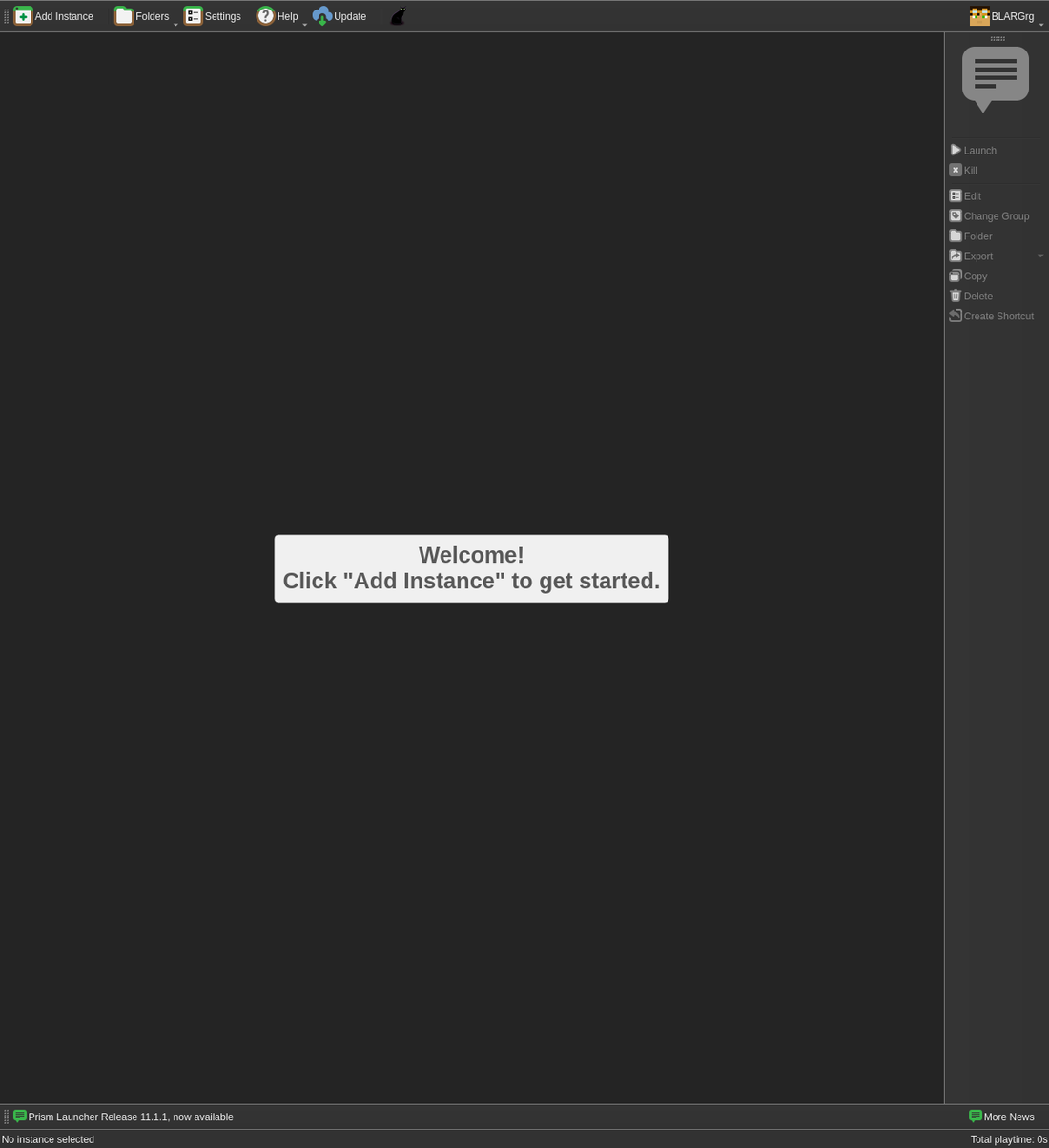
Sign in with the Microsoft account you use for Minecraft. The account is at the top right of the window.
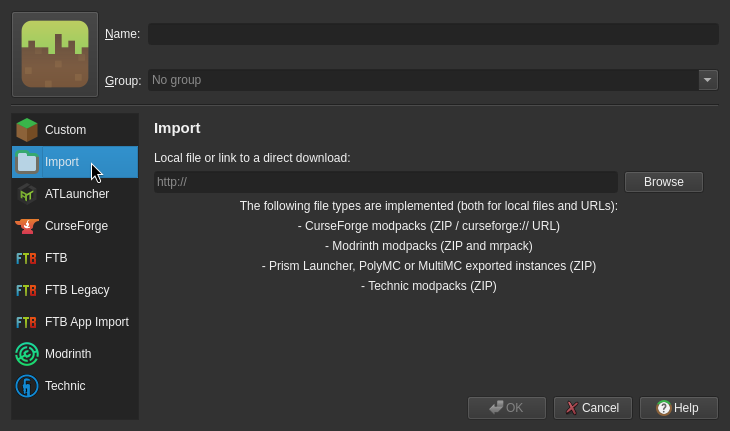
Add the pack. Click Add Instance, then Import. Paste this link into the box, then click OK:
https://pack.blargland.com/aeronautics/latest.mrpack
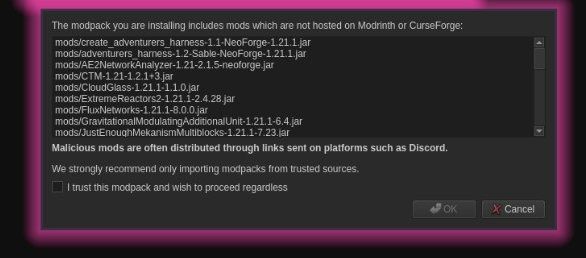
Prism then warns you. It says some mods are not hosted on Modrinth or CurseForge.
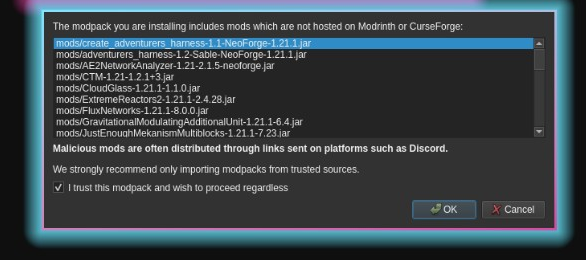
Check the box that says you trust this modpack, then click OK.
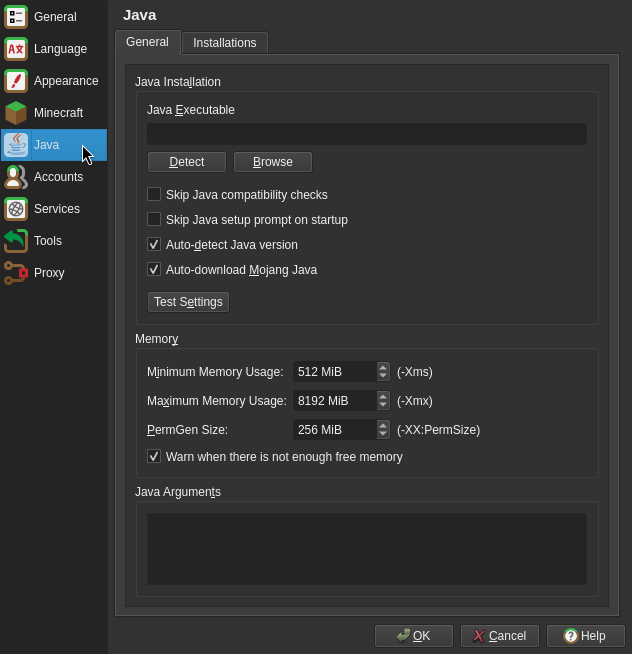
Set the memory to 8 GB. Open Settings, then Java, and set Maximum Memory Usage to 8192. That number is 8 GB.
Launch the game. Click Multiplayer, then click Add Server. The address is 72.8.233.108, the port is 25566, and it should look like this in the bar: 72.8.233.108:25566.
If you cannot get in, the server does not know your Minecraft name yet. Type that name below and ask to be added.